


Turn your smartphone into a POS with Qromo’s Tap to Pay
Accept contactless payments using only your phone and the Qromo app, available for iOS and Android.


No additional hardware required
You don't have to buy, configure or manage new card readers.

Easy to use
Just a few simple steps for setup.

Flexible in-store experiences
Get more flexibility to manage queues in-store and offer new experiences.
All you need is an iPhone.
title_video_section_iphone


All you need is an iPhone.
All you need is an Android phone.


Tap to Pay, Tap on Phone, SoftPOS, Mobile POS... whatever the name, we turn your iPhone or Android into a POS.
Tap to Pay refers to the function, SoftPOS to the technology, and mobile POS is the broader term. With Qromo you turn your compatible iPhone or Android into a POS, with no extra readers: you accept cards and digital wallets, while the payment is automatically recorded at checkout and the receipt is handled with no manual steps.
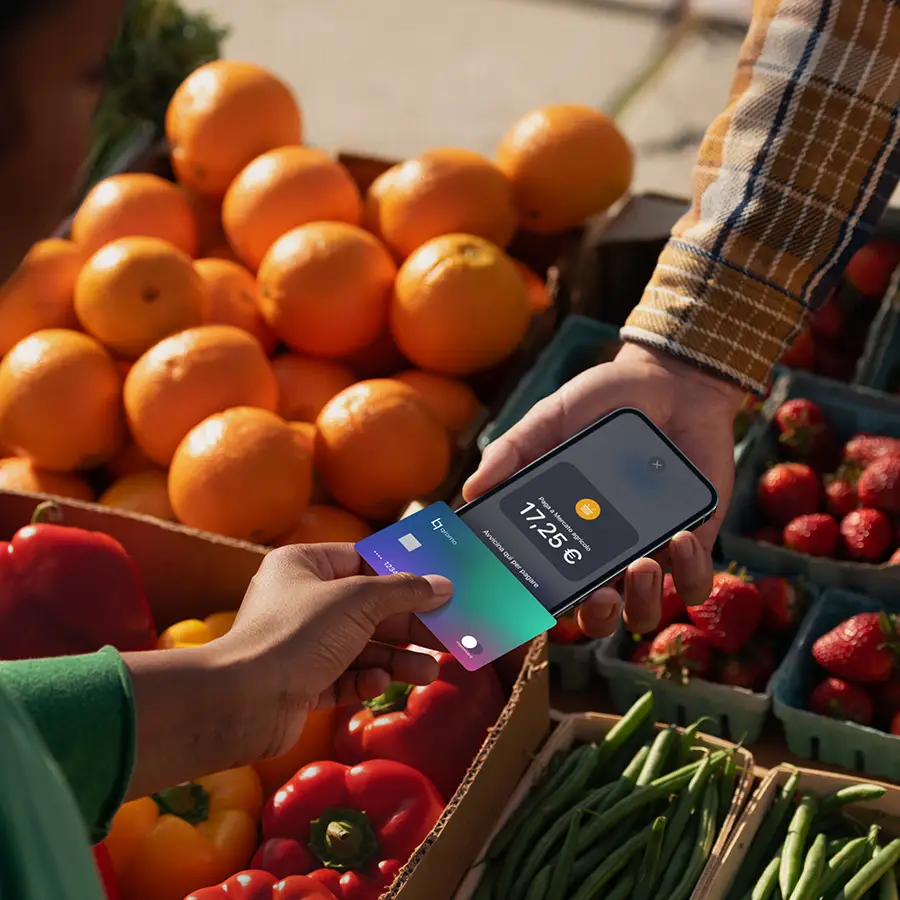


Some activities that are already using the Qromo app


How much does Tap to Pay cost?
The Qromo app that turns your phone into a POS is free. You only pay if you use it.
Activation Fee
0 €
No activation fee.
No cancellation fee.
No minimum transaction limit.
label_online_card_2_ttp
1.2%
+€0.10
commission fee for each transaction.*

For existing Qromo accounts: To start accepting in-person payments with your smartphone, fill out the form above. Once completed, you can proceed with registration and then download the app.
For new Qromo accounts: To start accepting in-person payments with Qromo POS, including Tap to Pay on iPhone, download the Qromo app and proceed to register on Qromo.
Frequently Asked Questions
Which devices support Tap to Pay on Smartphone?

Tap to Pay works on Apple devices (from iPhone XS onwards) as well as Android devices.
What types of payments can I accept with Tap to Pay on Smartphone?
With Tap to Pay on Smartphone, you can accept any contactless payment method, including Apple Pay on iPhone and Apple Watch, other digital wallets and payment services, and contactless credit and debit cards from Visa, Mastercard, American Express, China UnionPay, Japan Credit Bureau, Discover, and Diners Club.
Where are the payments I accept with Tap to Pay on Smartphone deposited?
All payments accepted with Tap to Pay on Smartphone are processed by Stripe and deposited into the bank account linked to your Stripe account.
How much does Tap to Pay on Smartphone cost and what are the fees?
You can download the Qromo app for free from the App Store or Play Store. Before logging in, you must register on the website. A fee of 1.2% + €0.10 is applied per transaction. For more details, please visit the pricing page.
